AI Image to 3D Model Generation Tools AI Image-to-3D Output Comparison
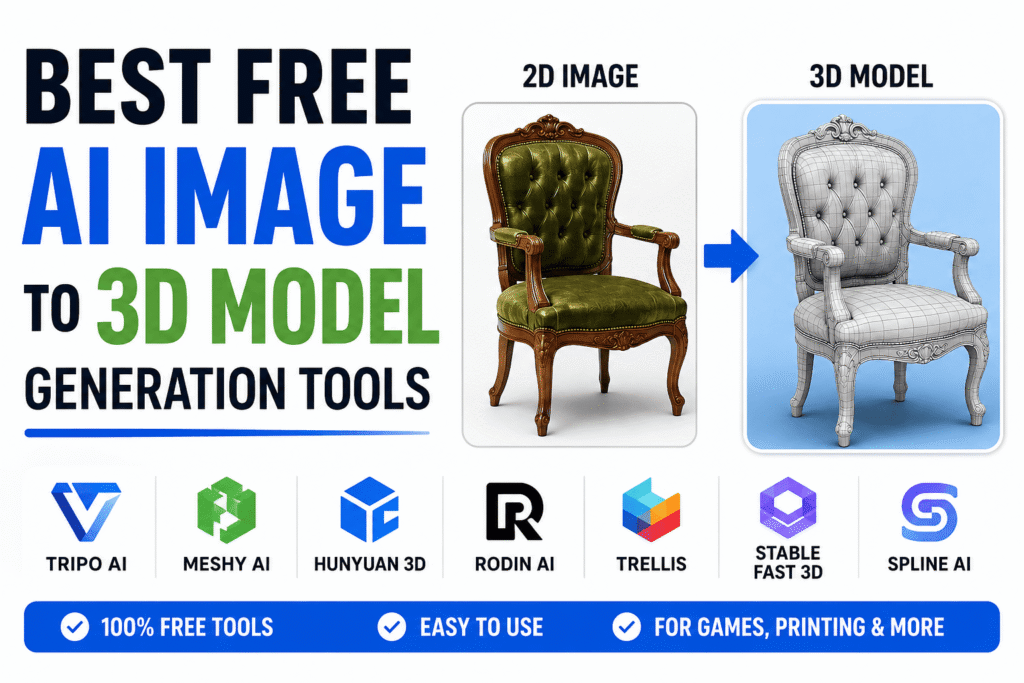
Best Free AI Image to 3D Model Generation Tools AI has changed the equation With today’s image-to-3D generators you can drop in a single picture and walk away with a usable 3D model in a few minutes no sculpting required.
It doesn’t matter if you’re a game developer hunting for quick props a Blender artist who wants a head start a product designer mocking up concepts a hobbyist with a 3D printer or a content creator chasing deadlines AI-powered 3D generation can save real time off your workflow.
In this guide we’ll share the best free AI image to 3D model generation tools on the market right now compare what each one actually does well point out where they fall short and help you figure out which one fits your needs.
What Is an AI Image-to-3D Model Generator
Put simply 2D image an AI image-to-3D model generator is software that uses machine learning to turn a 2D image into a 3D object.
Instead of you building geometry laying out UV maps painting textures and stitching meshes by hand the AI looks at the image and makes an educated guess about what the object should look like from every angle.
Most of today’s tools lean on a mix of these technologies
- 3D Reconstruction
- Diffusion Models
- Gaussian Splatting
- Mesh Generation Networks
Once the model is generated you can usually export it in one of these formats
- OBJ
- FBX
- STL
- GLB
- GLTF
- USDZ
Those formats play nicely with the software most creators already use Blender Unity Unreal Engine Maya and the usual 3D printing apps.
Quick Comparison Table image to 3d model generator free tools
|
Tool |
Free Plan |
Best For |
Export Formats |
Beginner Friendly |
|
Tripo AI |
Yes |
Overall Quality |
OBJ GLB FBX |
Yes |
|
Meshy AI |
Yes |
Textured Models |
OBJ FBX GLB |
Yes |
|
Hunyuan 3D |
Yes |
Open Source Users |
Multiple |
Moderate |
|
Rodin AI |
Limited |
Characters |
OBJ FBX |
Yes |
|
TRELLIS |
Yes |
Advanced Users |
Multiple |
Moderate |
|
Stable Fast 3D |
Yes |
Local Generation |
Multiple |
No |
|
Spline AI |
Yes |
Web Design Assets |
GLTF GLB |
Yes |
How We Evaluated These Tools
Here’s the thing not every AI 3D generator is good at the same job.
Some are great at nailing the geometry but mediocre at textures. Others make gorgeous textured models but cut corners on shape accuracy. And a handful are built purely for speed even if that means sacrificing some realism.
To compare these tools fairly we looked at
- Geometry accuracy
- Texture quality
- Ease of use
- Processing speed
- Export options
- Commercial licensing
- Free usage limits
At the end of the day the “best” tool really comes down to what you’re trying to build and how you plan to use it.
Overview
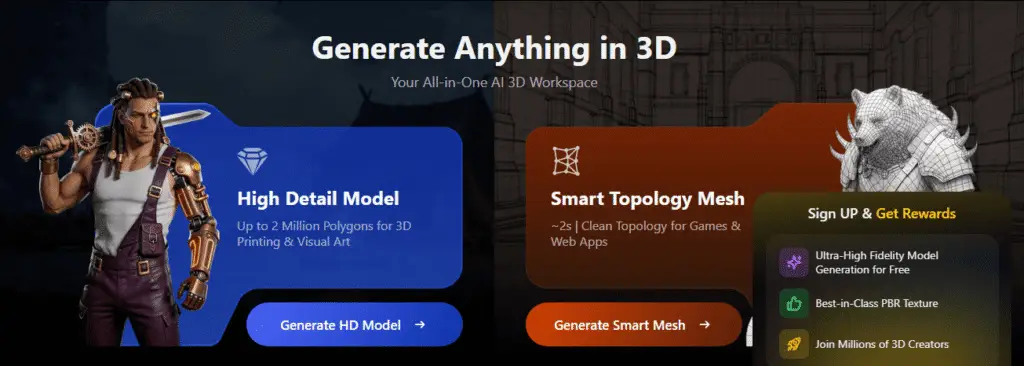
Tripo AI has earned its reputation fast and for good reason it’s become one of the go-to names in AI image-to-3D generation.
What sets it apart is the balance it strikes the platform produces solid detailed 3D assets from a single image and it does so quickly without making you wait around.
Key Features
- Single-image 3D generation
- Text-to-3D support
- Fast processing
- Multiple export formats
- Beginner-friendly interface
Pros
- Excellent geometry quality
- Fast generation times
- Clean interface
- Good textures
Cons
- Limited free credits
- Advanced exports may require paid plans
Best For
- Game developers
- Blender users
- Product designers
- Beginners
Overview
If you’ve spent any time researching AI-generated 3D models you’ve probably already come across Meshy AI. It’s one of the more well-known names in the space.
What makes it useful is the flexibility it handles both image-to-3D and text-to-3D in the same platform so you’re not bouncing between different tools depending on what you start with.
Key Features
- AI texturing
- Image-to-3D conversion
- Game asset generation
- Automatic PBR texture creation
Pros
- Excellent textures
- Strong export support
- Great game-development workflow
Cons
- Credit-based system
- Some outputs need cleanup
Best For
- Unity developers
- Unreal Engine developers
- Asset creators
Overview
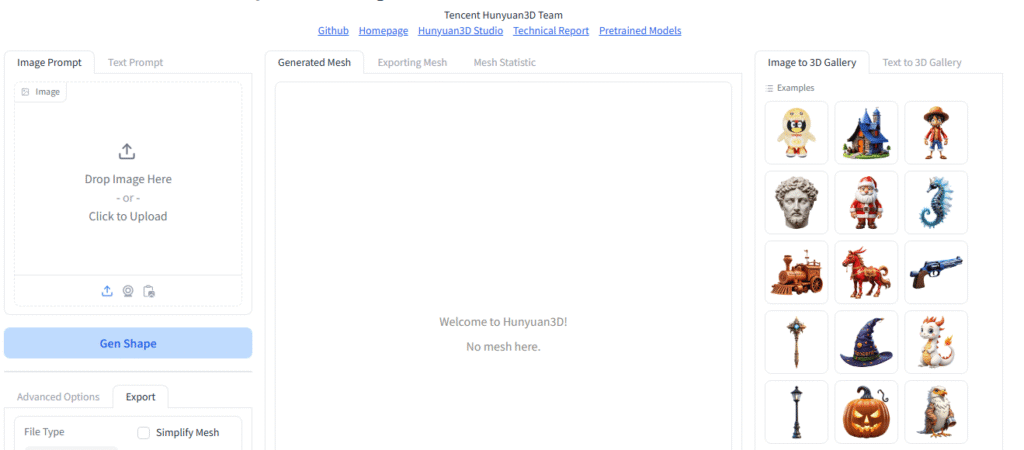
Hunyuan 3D has caught on with a different crowd mostly because of its open-source roots.
Unlike most commercial tools that keep you locked into their cloud Hunyuan 3D lets you run everything locally as long as your hardware can keep up.
Key Features
- Open source
- Local installation
- Custom workflows
- Community development
Pros
- Free to use
- Flexible
- No platform lock-in
Cons
- Hardware requirements
- More technical setup
Best For
- Developers
- Researchers
- Technical users
Overview
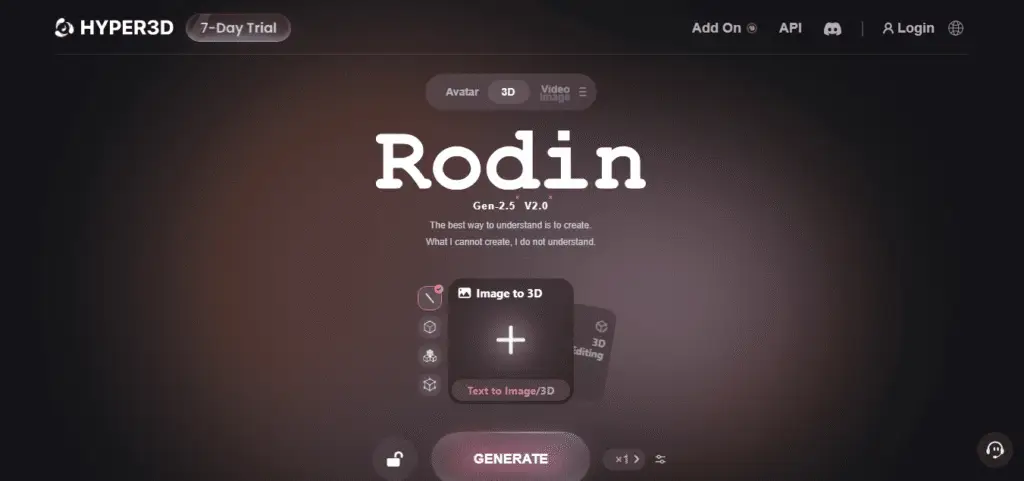
Rodin focuses on a narrower lane turning images and concept art into detailed 3D assets and it’s especially good at character work.
If you’re building stylized characters or anything with personality this is usually the tool people reach for.
Key Features
- Character generation
- High-detail outputs
- Multiple export formats
Pros
- Strong character quality
- Good texture generation
Cons
- Limited free access
- Results vary with image quality
Best For
- Character artists
- Indie game studios
Overview
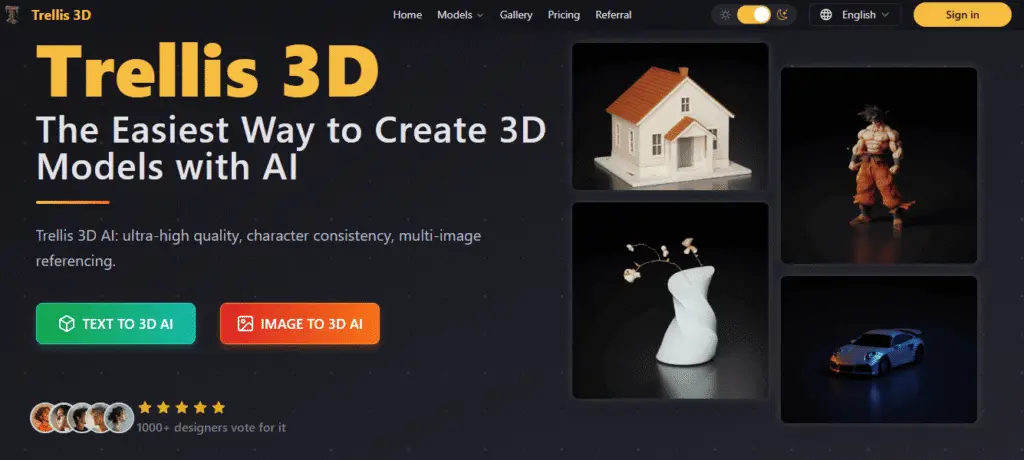
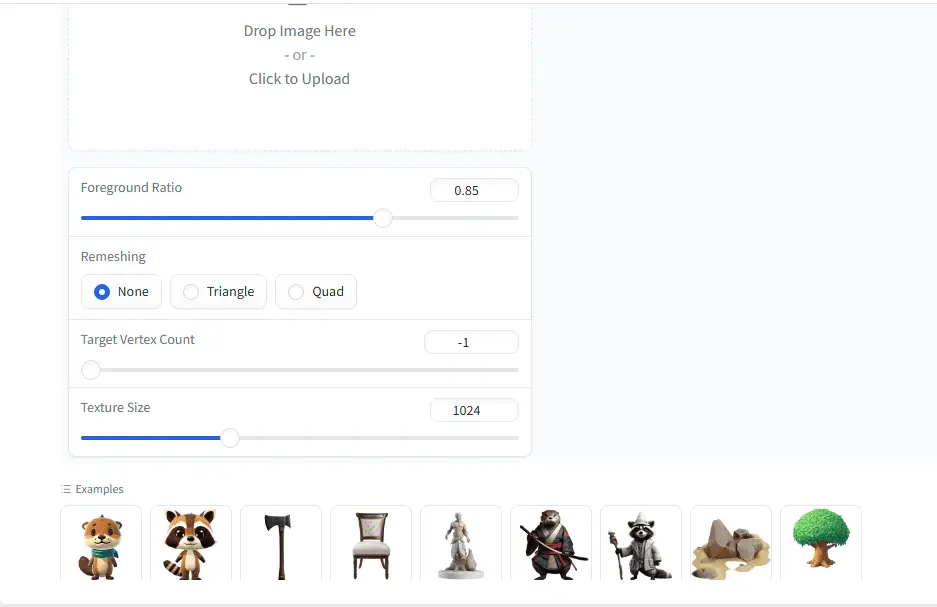
TRELLIS is still fairly new but it’s already turning heads as an open-source approach to AI-powered 3D reconstruction.
It’s a good fit for people who want to be close to the cutting edge of the research rather than waiting for that research to trickle down into polished commercial products.
Pros
- Open source
- Rapid development
- Strong community interest
Cons
- Technical setup
- Less polished interface
Best For
- Researchers
- AI enthusiasts
- Developers
Overview
Stable Fast 3D takes a different route instead of processing in the cloud it generates models locally using modern AI techniques.
For a lot of users that’s exactly the appeal a real alternative to cloud-based tools that don’t always give you full control.
Pros
- Local processing
- No recurring subscription
- Privacy-friendly
Cons
- Requires GPU resources
- More technical workflow
Best For
- Power users
- Professionals
Overview
Spline AI blends 3D model creation with browser-based design tools which makes it a natural fit for web designers and marketing teams who don’t necessarily think in polygons.
You don’t need to install anything or learn a complicated pipeline it just works in your browser.
Pros
- Easy learning curve
- Browser-based workflow
- Fast prototyping
Cons
- Less advanced geometry
- Not ideal for complex assets
Best For
- Website designers
- Marketing teams
- Beginners
Which AI Image-to-3D Tool Is Best?
There’s no single winner here it really depends on who’s asking.
|
User Type |
Recommended Tool |
|
Beginner |
Tripo AI |
|
Blender Artist |
Meshy AI |
|
Game Developer |
Meshy AI |
|
Character Creator |
Rodin AI |
|
Open Source Enthusiast |
Hunyuan 3D |
|
Technical User |
Stable Fast 3D |
|
Web Designer |
Spline AI |
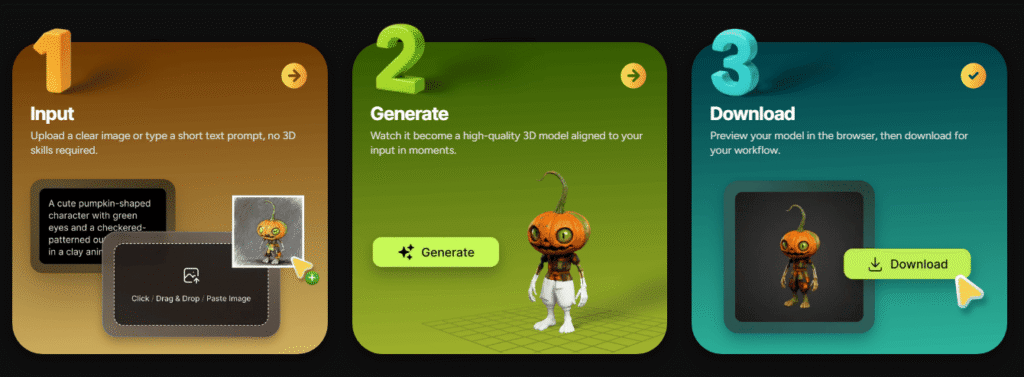
AI Image-to-3D Workflow Example
Let’s walk through a real example. Say you need a game asset and you want to use AI from start to finish.
Step 1
Generate an image using Midjourney or another AI image generator.
Step 2
Upload the image into Tripo AI or Meshy AI.
Step 3
Generate the 3D model.
Step 4
Export the model as FBX or GLB.
Step 5
Import the asset into Blender.
Step 6
Optimize the mesh and textures.
Step 7
Import the final model into Unity or Unreal Engine.
Follow these steps and what used to take an afternoon can often be done before your coffee gets cold.
AI Image-to-3D for Blender Users
Blender is still the most widely used free 3D software out there and for good reason.
That said don’t expect AI-generated models to be production-ready straight out of the box. Most still need a bit of polish before they’re truly usable.
Common Blender tasks include
- Retopology
- UV optimization
- Texture adjustments
- Polygon reduction
- Rigging
Even the cleanest AI-generated mesh tends to benefit from a human pass.
AI Image-to-3D for Game Development
Of all the people benefiting from this technology game developers might be getting the biggest payoff.
Common use cases include
- Characters
- Weapons
- Props
- Environmental assets
- Product visualization
For game developers specifically these three tend to come up the most
- Meshy AI
- Tripo AI
- Rodin AI
These platforms usually export to FBX and GLB which drop right into modern game engines without much fuss.
AI Image-to-3D for 3D Printing
AI-generated models aren’t just for screens plenty of people use them for 3D printing too.
That said a model that looks fine on screen isn’t always ready for a printer. Some cleanup is usually needed first.
Common fixes include
- Making meshes watertight
- Removing floating geometry
- Repairing topology
- Reducing mesh complexity
If 3D printing is your goal pay close attention to STL export quality it matters more here than almost anywhere else.
Open-Source AI Image-to-3D Tools
If you’d rather avoid subscriptions and cloud dependency altogether open-source tools are worth a look.
Here are some of the better-known options.
|
Tool |
Open Source |
Local Installation |
|
Hunyuan 3D |
Yes |
Yes |
|
TRELLIS |
Yes |
Yes |
|
Stable Fast 3D |
Yes |
Yes |
|
TripoSR |
Yes |
Yes |
|
Zero123 |
Yes |
Yes |
The upside is real
- No subscriptions
- Full customization
- Local processing
- Better privacy
The trade-off is that you’ll need to climb a steeper learning curve to get there.
Common Limitations of AI 3D Generators
AI image-to-3D technology has come a long way but it’s still far from perfect. Here’s what tends to trip it up.
Missing Geometry
The AI sometimes struggles to guess what’s hiding on the back or underside of an object areas it never actually saw in the source image.
Texture Stretching
Look closely around the edges of a model and you’ll often spot textures that look pulled or warped.
Topology Problems
The underlying mesh structure often needs cleanup before it’s usable in a professional pipeline.
Excessive Polygon Counts
Generated assets aren’t always optimized which can be a problem for real-time rendering.
Inaccurate Reconstructions
Complicated objects with lots of detail or unusual shapes still give these tools trouble.
Bottom line human review is still part of the process if you want professional-grade results.
Free vs Paid AI Image-to-3D Tools
|
Feature |
Free Plans |
Paid Plans |
|
Generation Credits |
Limited |
Higher |
|
Export Options |
Basic |
Advanced |
|
Processing Speed |
Standard |
Faster |
|
Commercial Use |
Sometimes |
Usually |
|
Priority Access |
No |
Yes |
Free plans are great for testing the waters and getting a feel for what these tools can do.
Once you’re producing work for clients or shipping assets in a real project though most people end up upgrading for the extra credits and export options.
The Future of AI Image-to-3D Generation
This space is moving fast and it doesn’t look like it’s slowing down anytime soon.
A few trends worth watching
- Real-time 3D generation
- Video-to-3D conversion
- AI-generated game worlds
- Better texture generation
- Improved geometry accuracy
- Faster local processing
It’s not hard to imagine a near future where entire interactive environments get generated from a handful of images or a simple text prompt.
Frequently Asked Questions
What is the best free AI image to 3D model generator
Tripo AI and Meshy AI are currently among the strongest options for most users.
Can AI create a 3D model from a single image?
Yes. Modern image-to-3D generators can reconstruct 3D geometry using only one image.
Is Meshy AI free?
Meshy AI offers a free plan with limited credits.
Is Tripo AI free?
Tripo AI includes free usage with certain restrictions.
Can AI-generated models be used in Blender?
Yes. Most tools export formats such as OBJ FBX GLB or GLTF that Blender supports.
Can AI-generated models be used in Unity?
Yes. Unity supports common export formats generated by AI 3D tools.
Can AI-generated models be used in Unreal Engine?
Yes. FBX and GLB exports generally work well with Unreal Engine.
Can AI-generated models be 3D printed?
Yes although some models may require cleanup and STL conversion.
What is NeRF?
NeRF stands for Neural Radiance Fields a technique used to reconstruct 3D scenes from images.
What is Gaussian Splatting?
Gaussian Splatting is a modern method for representing and rendering 3D scenes efficiently.
Are AI-generated 3D models accurate?
Accuracy varies depending on the tool and source image quality.
Do AI-generated models require retopology?
In many professional workflows yes.
AI Image to 3D Model Generation Tools Conclusion
AI image-to-3D technology has genuinely changed how creators build digital assets. Work that used to demand serious modeling expertise can now come together in minutes instead of hours.
For most people Tripo AI hits the sweet spot between speed quality and ease of use. Meshy AI is still the go-to pick if you’re building game assets or care a lot about textures. And if you’d rather skip subscriptions entirely open-source options like Hunyuan 3D TRELLIS and Stable Fast 3D give you more control provided you’re comfortable setting things up locally.
The best free AI image to 3D model generation tools just keep getting better and the pace of improvement shows no sign of stopping. Whether you’re building game assets product visualizations AR experiences or models meant for the printer there’s genuinely never been a better time to dive into AI-powered 3D generation.
Read More