Hi, I’m Aman Batham. I share simple and practical ChatGPT lehenga photo prompts that actually keeps your face looking like you, not a filtered stranger.
Getting a realistic lehenga portrait from AI photo editing tools is something I test regularly before putting anything on the site. The face drift issue is real and these prompts are built specifically to fight it. Each one includes a face lock instruction, outfit detail down to the dupatta border, lighting direction, and negative instructions.
These five lehenga prompts cover five different settings and moods. Staircase. Chaise. Library. Palace balcony. Floral salon. Copy any one directly into ChatGPT, upload your reference photo, and see what it produces.
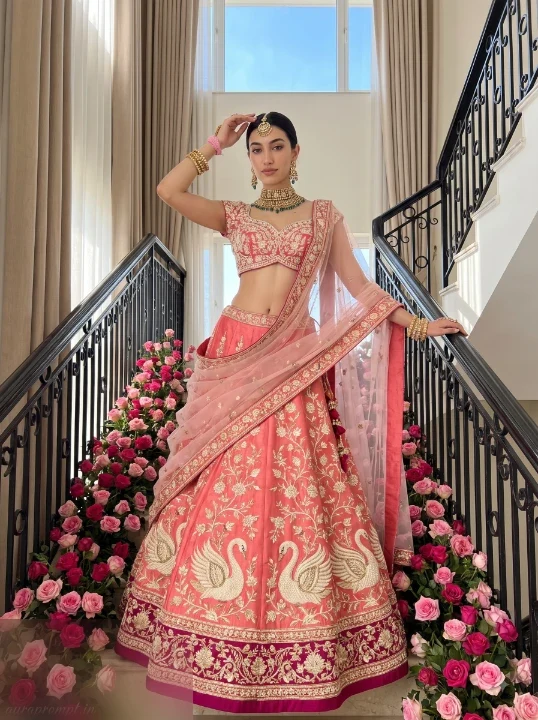
Coral Swan Lehenga on a Grand Staircase
The staircase setting gave me the most dramatic full-length result across all five prompts I tested.
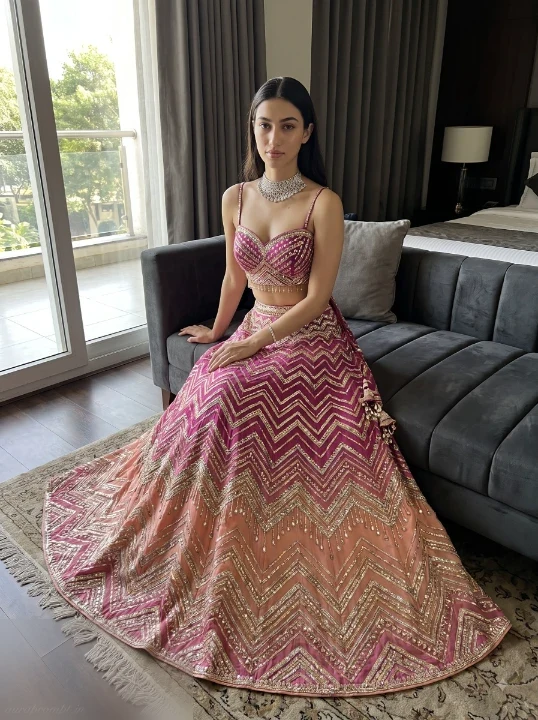
Ombre Lehenga Portrait Inside a Luxury Hotel Room
The seated composition on the grey chaise was my favorite for showing the full circular skirt spread cleanly.
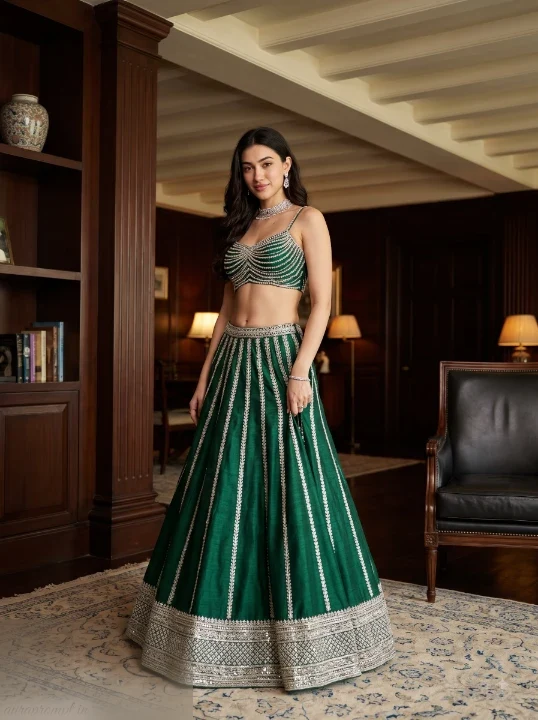
ChatGPT Lehenga Photo Prompts for a Heritage Library Setting
Something I noticed immediately with this one was how the warm library light makes emerald green fabric look particularly rich and editorial.
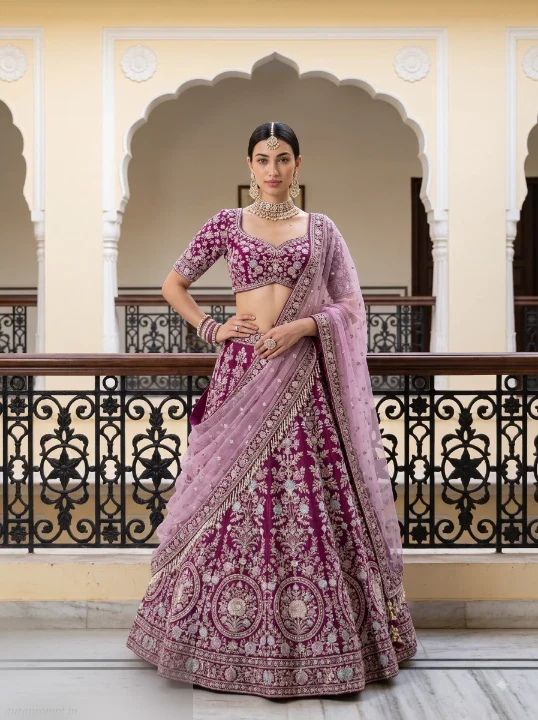
Bridal ChatGPT Lehenga Prompt at a Palace Balcony
The palace balcony railing gives this kind of structural framing you can’t replicate with a plain background, and the lilac dupatta reads beautifully against cream architecture in my outputs.
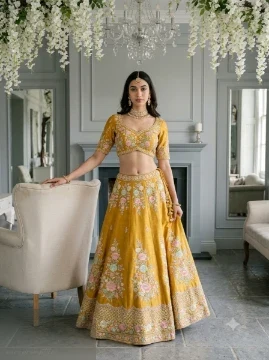
Mustard Lehenga Under a Floral Ceiling With Chandelier Light
After running this one a few times, the chandelier bloom above the head and the mustard yellow fabric together gave a consistently warm and editorial result I kept coming back to.
Pro Tips
Always start your ChatGPT lehenga photo prompt with the face lock instruction first. Paste it before anything else. This single step is the reason the face stays consistent across multiple generations.
For lehenga fabric, name the material directly in your prompt. Raw silk, organza, georgette, and velvet each produce noticeably different drape and texture in the output. Generic “fabric” gives you generic results.
If the dupatta disappears from the output, add “dupatta clearly visible, draping from the left shoulder across the front of the skirt” as a separate instruction before the negative prompt section.
Run each prompt at least twice. The first generation often resolves the face correctly. The second usually sharpens the embroidery detail and background depth.
For a heavier background blur behind the lehenga, add “50mm f/2.0 shallow depth of field, subject sharp, background softly defocused” to your camera settings line.
📐 Recommended Aspect Ratio: 3:4 Vertical (Best for Instagram, Pinterest, and portrait prints)
Image credits: Gemini
Check Out Related Posts:
Stylish Indian Girls in Kurti AI Prompts
Gemini AI Girl in Kurti Prompt
Gemini AI Girl in Kurti and Denim Prompt
Kurti and Denim Jeans Gemini Prompt
AI Photo Editing Prompts for Girls